
Site Inspection Scheduling: A Reference PTE in Four Apps
Note: This blog is a personal notebook. I write it to record what I work on, for my own reference, not to publish it on social media or to promote myself. If a post is still useful to you, I am glad, but that is not why it exists.
This post was published on November 13, 2026. Software versions, product features, links, and tool availability may have changed since then. Always check official documentation for the latest information. Some screenshots show small details. Zoom in on the page to see them clearly.
MBS Site Inspection Scheduling is a public demo per-tenant extension (PTE) for Business Central. It schedules inspections at customer sites, records the findings, and posts them to history. The repository uses the AL-Go for GitHub PTE template. It is MIT licensed and is a demonstration project, not a product.
One PTE, Four Apps is the long walk-through of the design. This post is the short version: what the repository contains, what to look at first, and where the demo stops.
The four apps
| Folder | App | Purpose | Object IDs |
|---|---|---|---|
App |
MBS Site Inspection Scheduling | Tables, pages, posting logic, permission set | 50000..50099 |
App.Test |
MBS Site Inspection Scheduling Test | 25 automated tests | 50100..50199 |
App.PerformanceTest |
MBS Site Inspection Scheduling Performance Test | BCPT scenarios for create, post, query, and contention | 50200..50299 |
App.Dataset |
MBS Site Inspection Scheduling Dataset | A Contoso Demo Tool module that generates demo data | 50300..50399 |
The main app has no external dependencies. The three companion apps get access to its internal objects through internalsVisibleTo. The test and performance test apps use the Microsoft test libraries. The dataset app needs the Contoso Coffee Demo Dataset. All four apps target Business Central online, platform 28.0, runtime 17.0.
This split keeps test and demo code out of the production app. A customer environment needs only the main app.
The posting pattern
The main app follows the standard Business Central document pattern. An inspection is a document with a header and checklist lines. A customer is the site, and a resource of type Person is the inspector. Number series and a source code (MBSINSP) give the numbering and the audit trail.
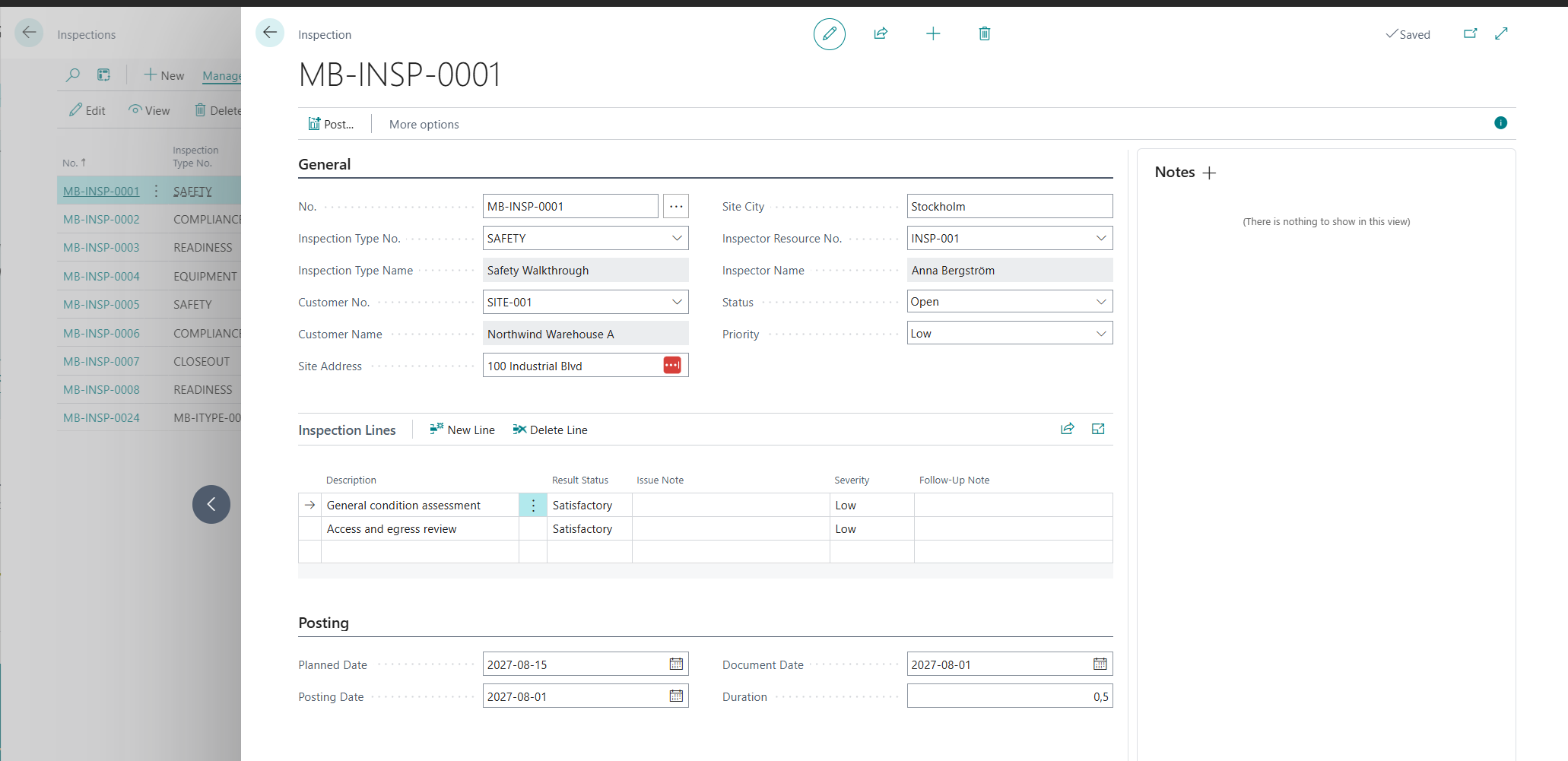
Posting (F9) runs five steps:
A Business Central consultant knows this shape from sales and purchase posting. That is the point. A familiar pattern works like a standard keyboard layout: anyone who sits down can type at once. It makes a PTE easier to support, extend, and hand over.
The delivery layer
AL-Go workflows build and test all four apps on each push to main, release/*, and feature/* branches. A pull request handler validates each pull request to main. The NextMinor and NextMajor workflows build the apps against the next Business Central versions. A partner can find an upgrade problem before the customer’s update window opens.
Try it
Publish the App project to a Business Central 28 sandbox. Open Inspection Setup and set the number series. Create an inspection, add checklist lines, set the status to Closed, and post it. To fill a sandbox fast, publish App.Dataset and run the Site Inspection Scheduling module in the Contoso Demo Tool. It creates scheduled, overdue, and posted inspections in one run.
What is intentionally simple
- One permission set and one ledger entry type. All personas share the same access.
- Overdue work is a filter. It means an open status and a planned date in the past.
- No extras. The app has no reports, APIs, role center, extension events, or telemetry.
- Demo scale. The data and the tests show the pattern, not every case.
Risks and limits
- Immutability is page-level only. The posted and ledger pages are read-only. The tables have no modify or delete guards, and the permission set gives full access. The test suite documents this gap.
- Status transitions are not enforced. The only rule is that posting requires the status Closed.
- Two setup fields have no logic yet. The app stores
Default DurationandOverdue Threshold Days, but no code reads them. - Sandbox only. The repository is not packaged or validated for AppSource.
Closing note
A small business scenario keeps the structure easy to see. Four apps, one posting routine, and the standard ledger pattern cover most of what a real PTE needs on day one. The code is public. Read it, criticize it, and use the parts that fit your own extensions.