
Testing Grok Build Against an AL Repository
Note: This blog is a personal notebook. I write it to record what I work on, for my own reference, not to publish it on social media or to promote myself. If a post is still useful to you, I am glad, but that is not why it exists.
This post was published on June 15, 2026. Software versions, product features, links, and tool availability may have changed since then. Always check official documentation for the latest information. Some screenshots show small details. Zoom in on the page to see them clearly.
This short follow-up to the local coding-agent setup and the AL MCP server post tests the same local pattern with the new agent from xAI. It works.
What Grok Build beta is
Grok Build is the terminal coding agent from xAI, in beta at the time of writing. It plans before it edits, runs against a local repository, and supports MCP, so the AL MCP server connects unchanged. Think of a new web browser: a different brand that opens the same website.
Install
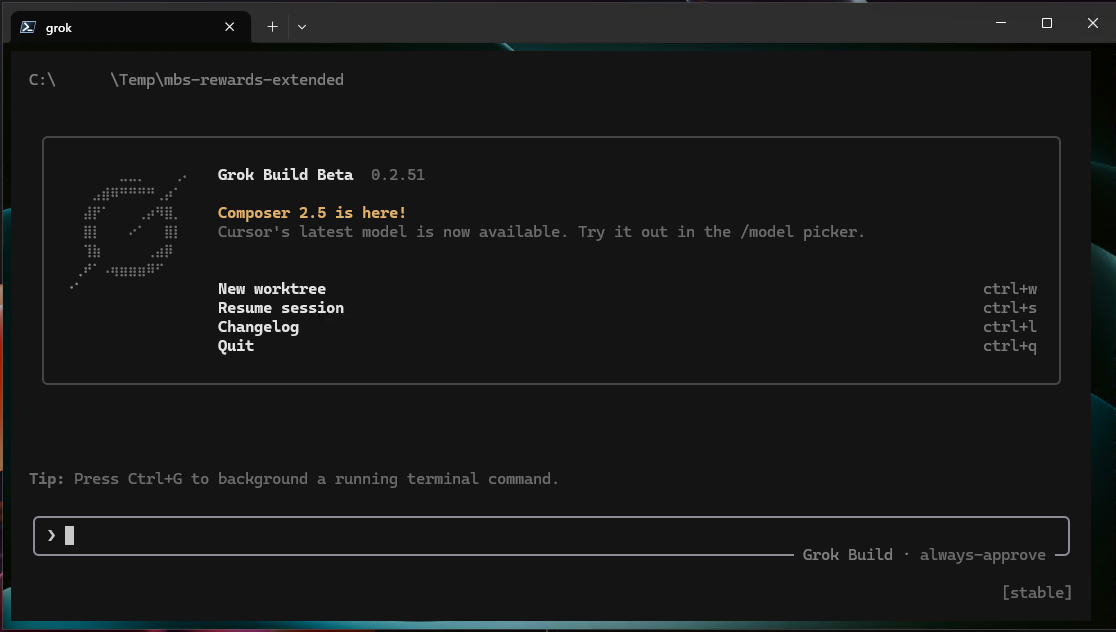
Install Grok Build with the official xAI installer. The CLI authenticates in the browser at the first start.
# install per xAI's instructions, then verify:
grok --version
Settings
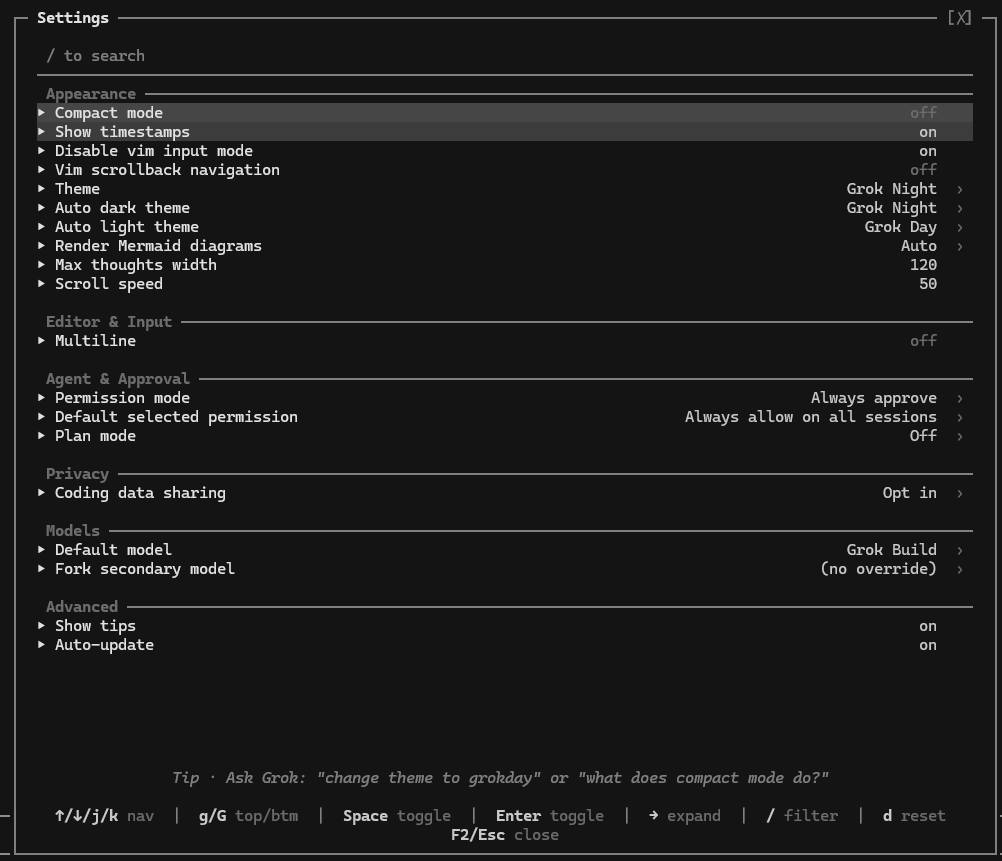
Type /settings in the session:
Use it with an AL repo
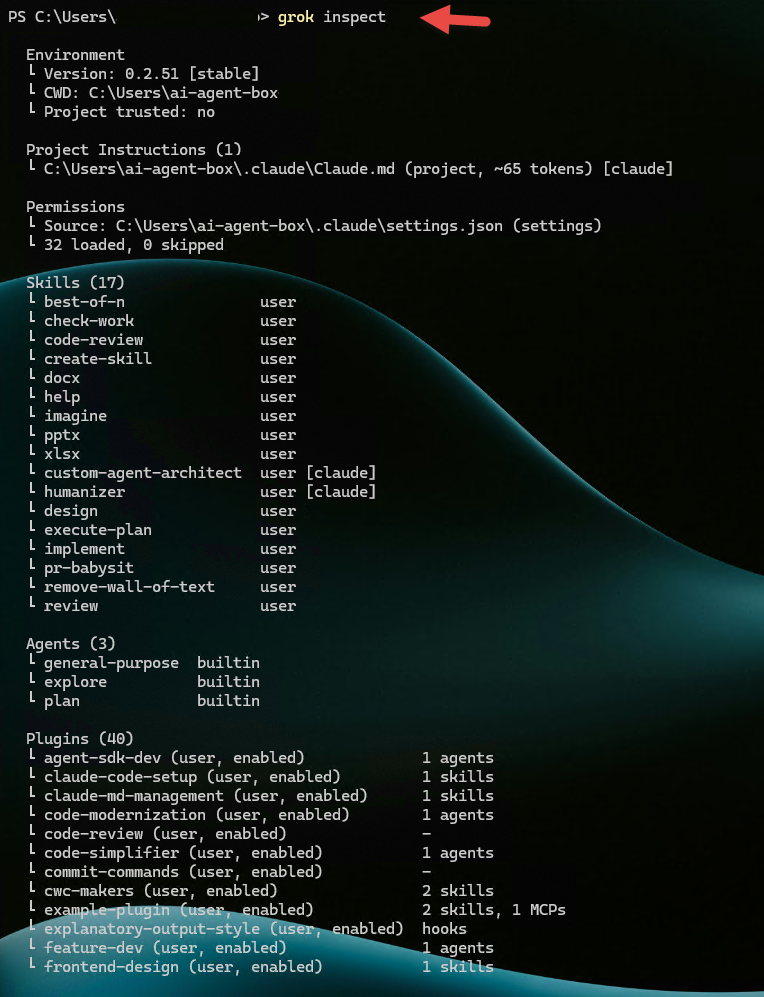
Open an AL project root that contains app.json and start grok. Test the agent before you give it work:
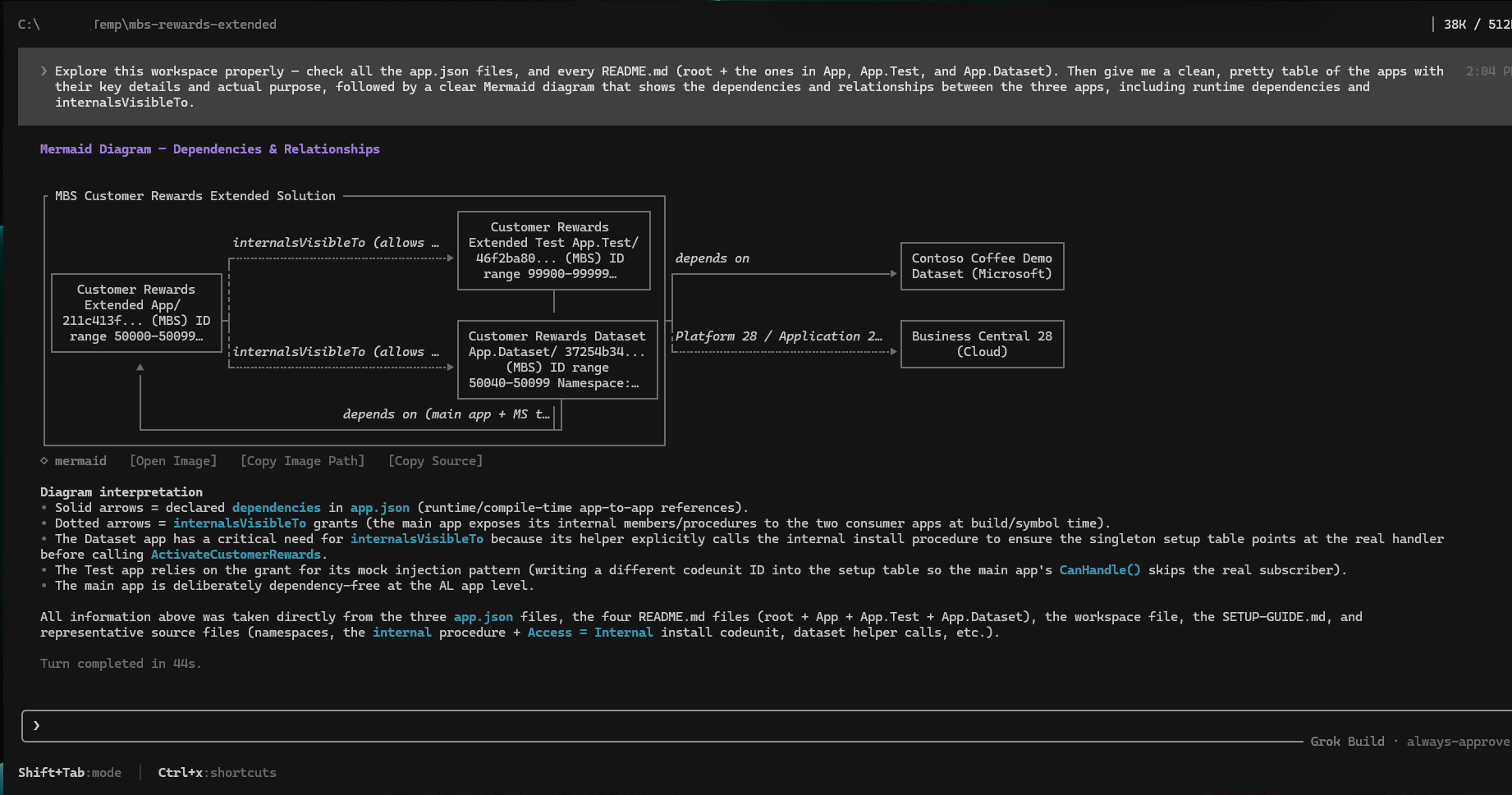
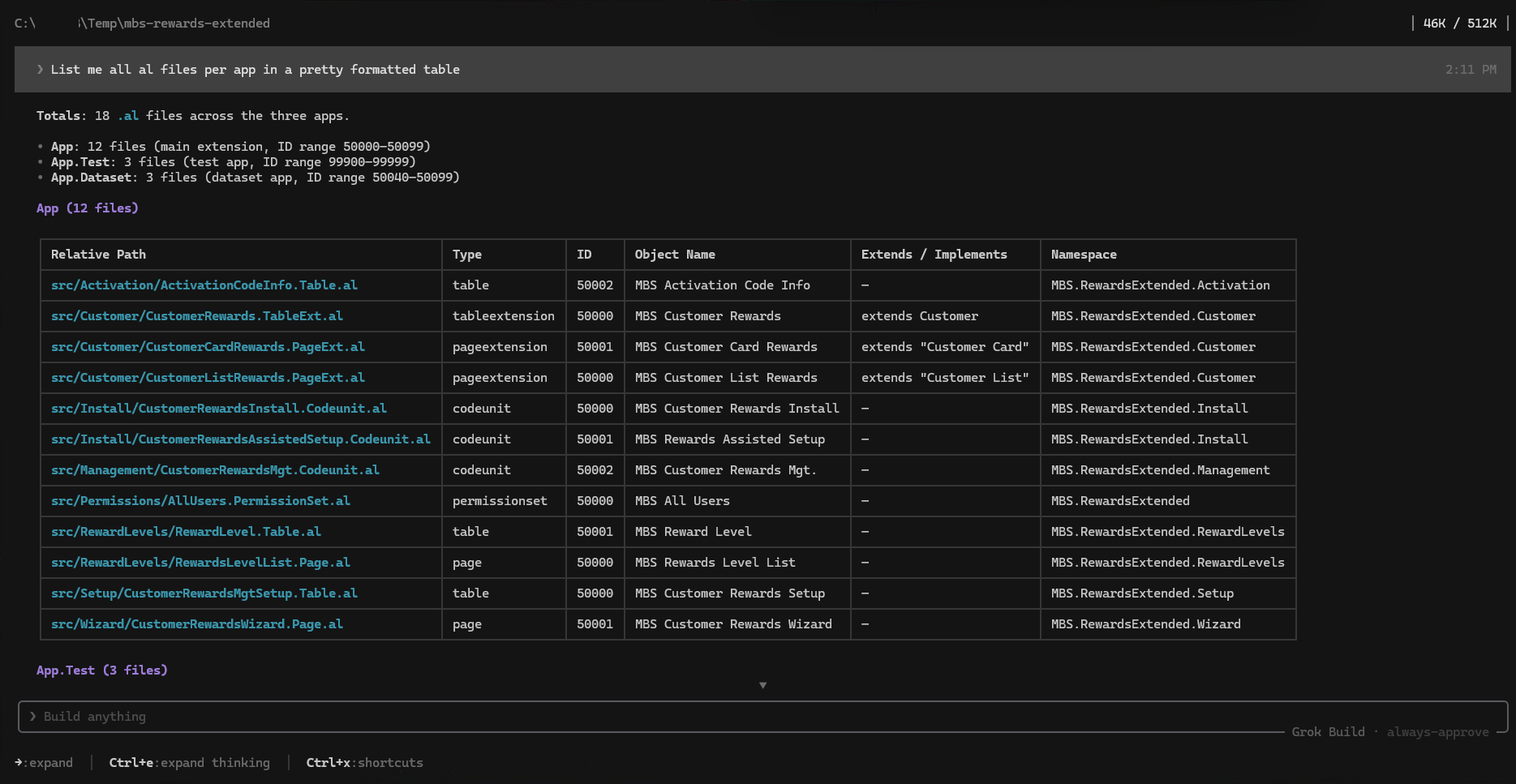
Run grok inspect to see the configuration it found. Then ask for one small page extension. Plan Mode shows the plan first. Review the diff, compile with the normal AL tool chain, and validate in a sandbox.
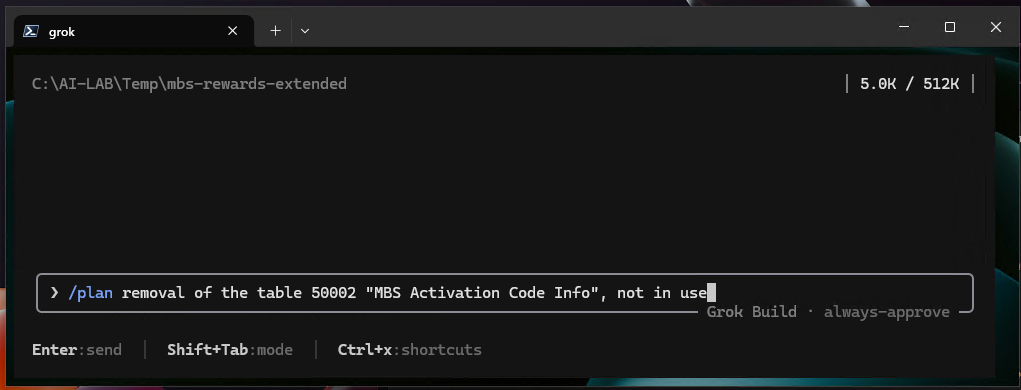
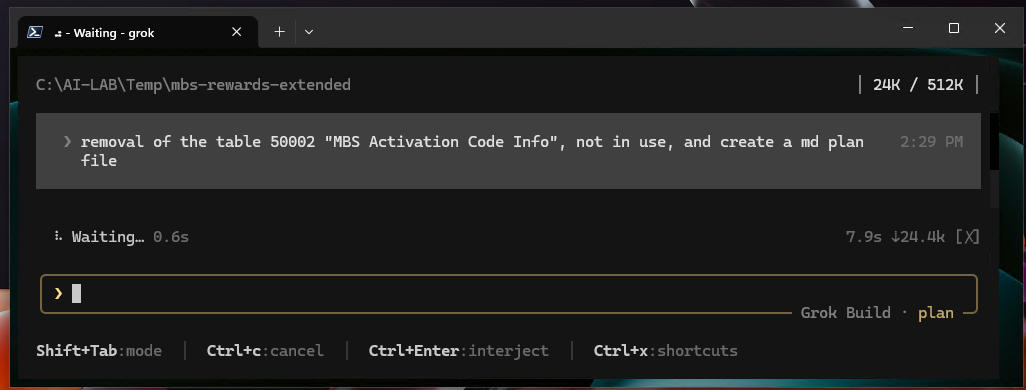
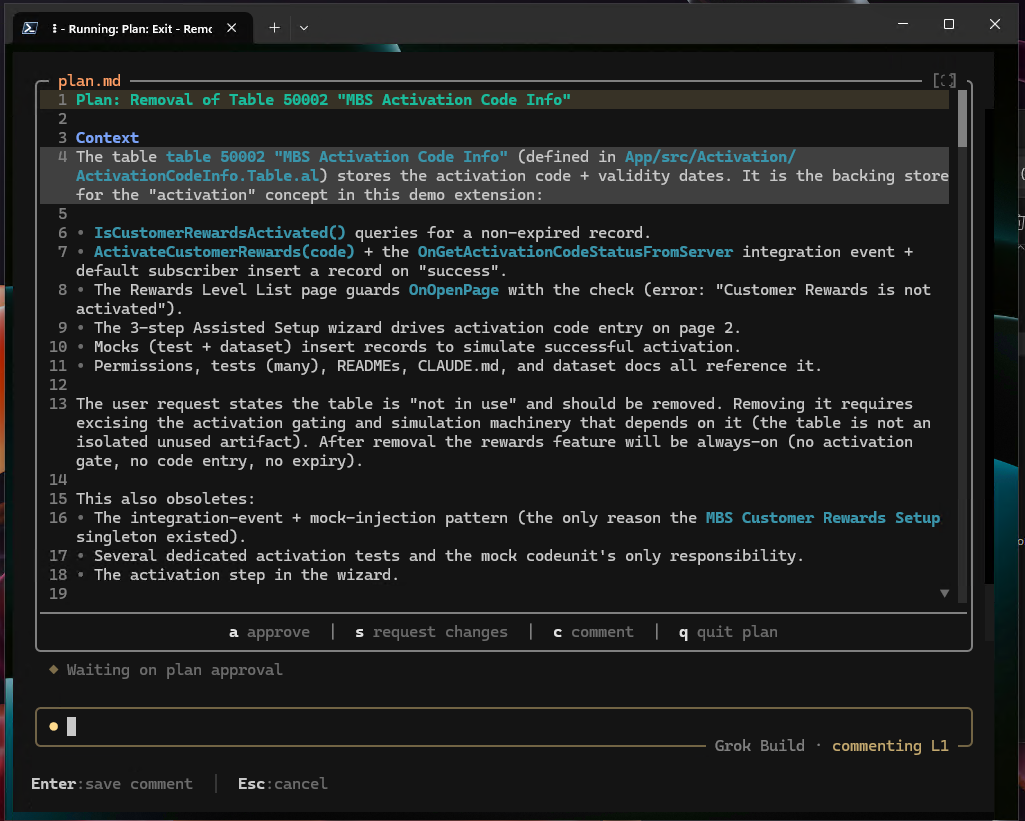
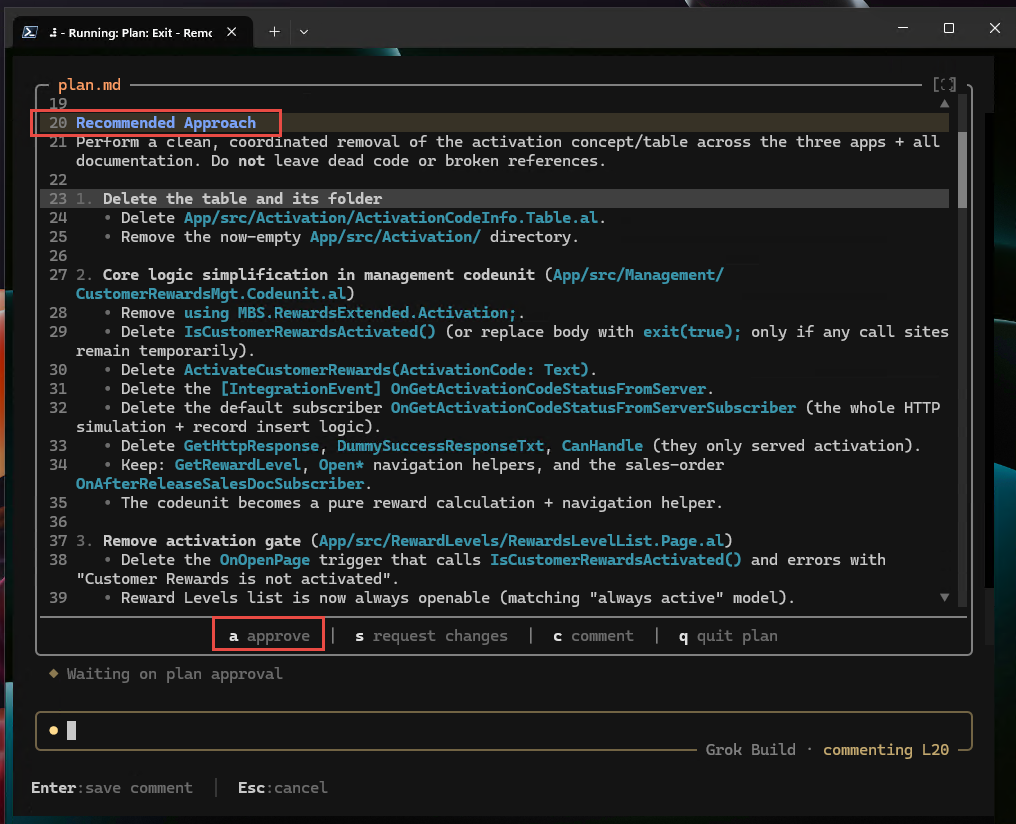
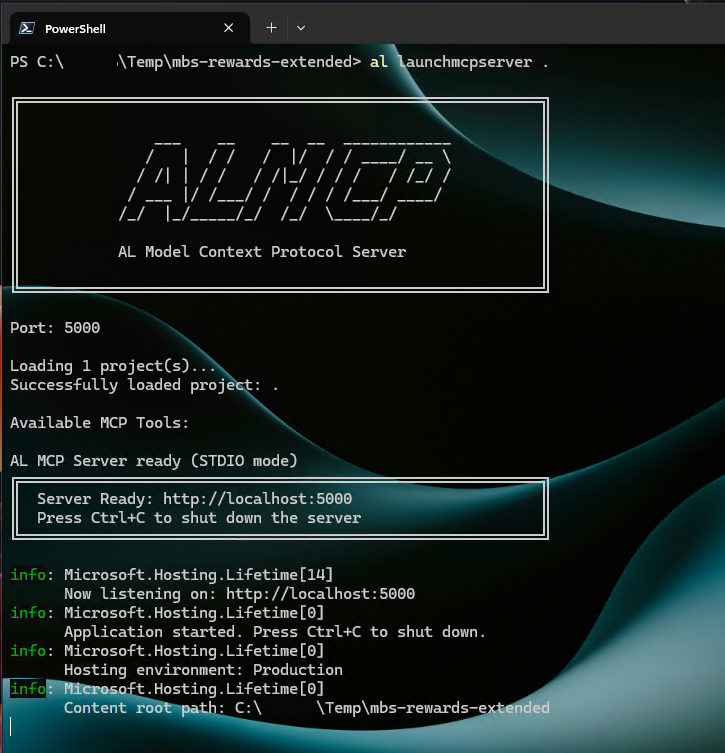
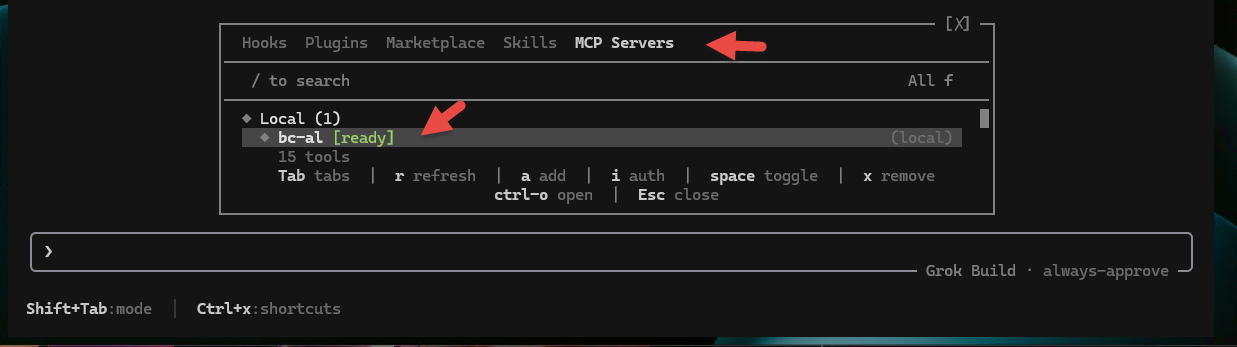
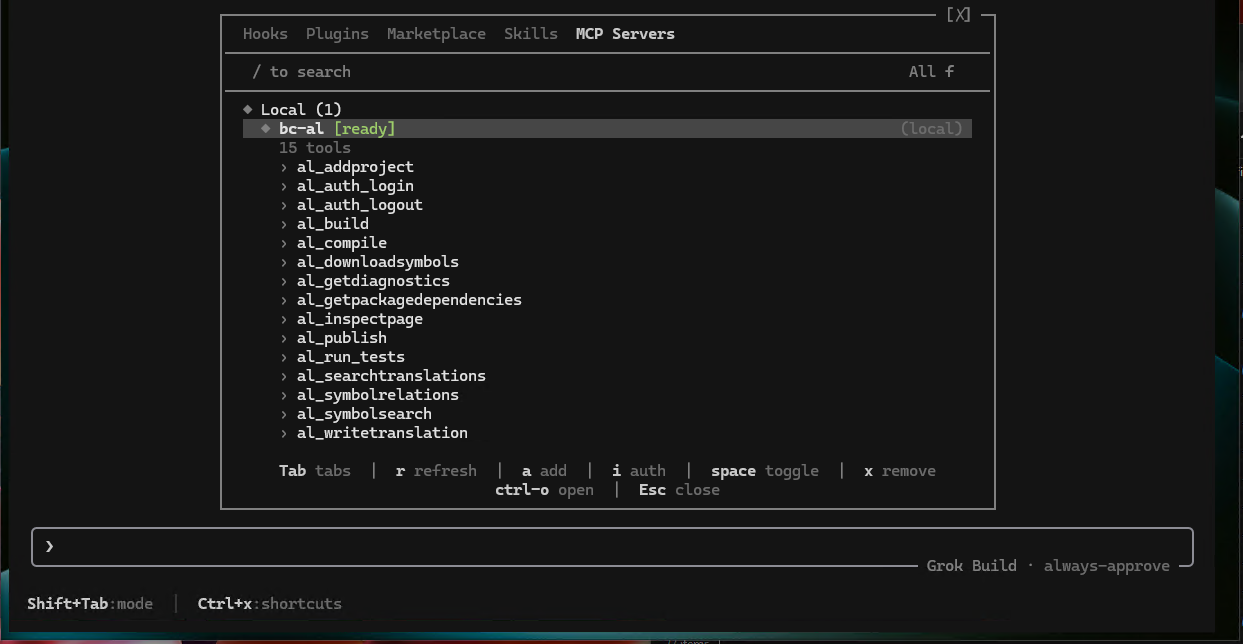
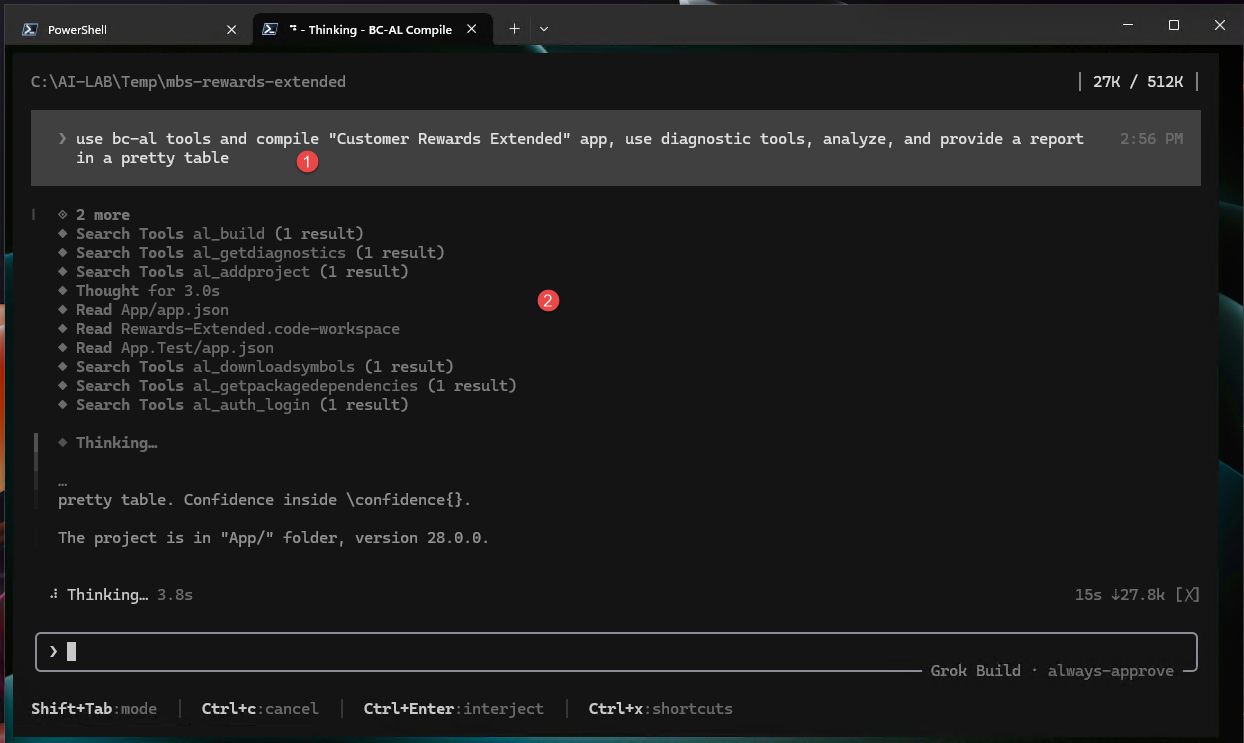
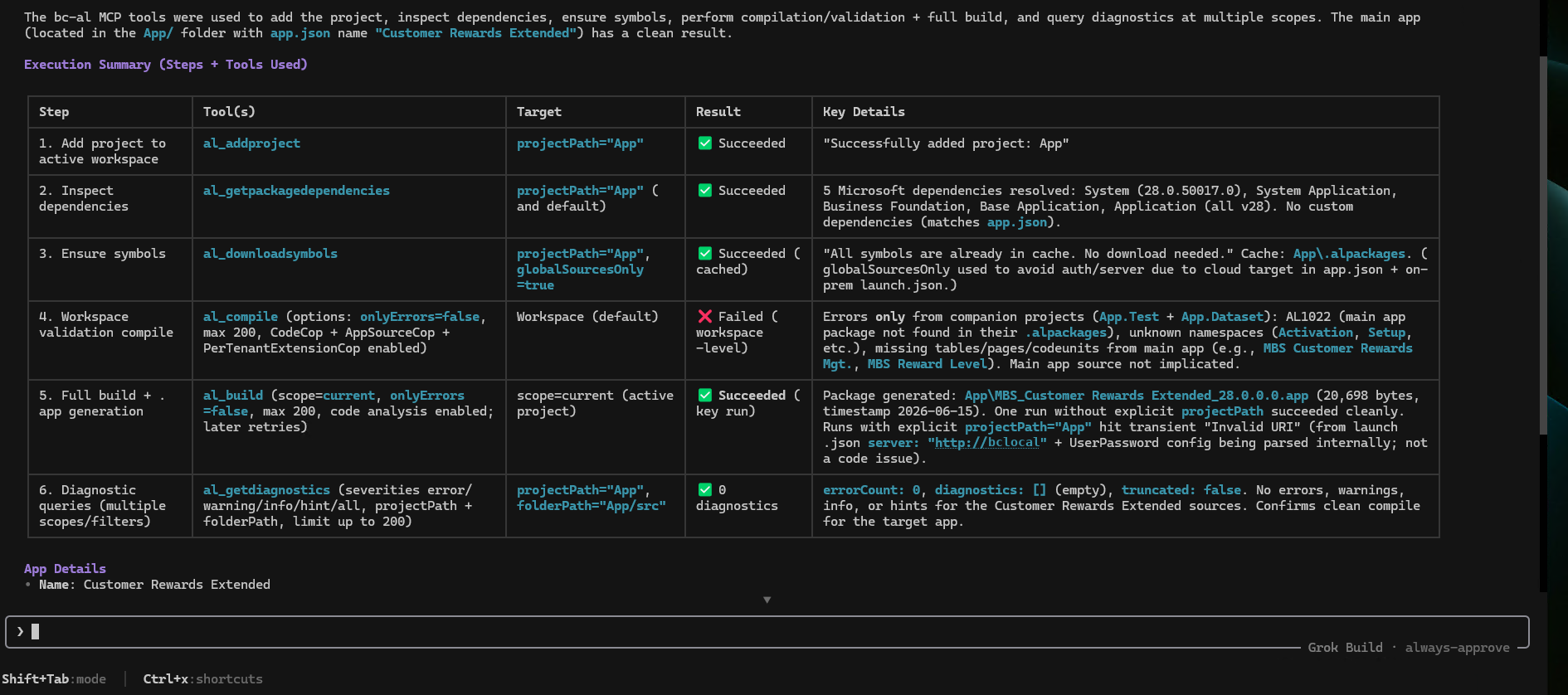
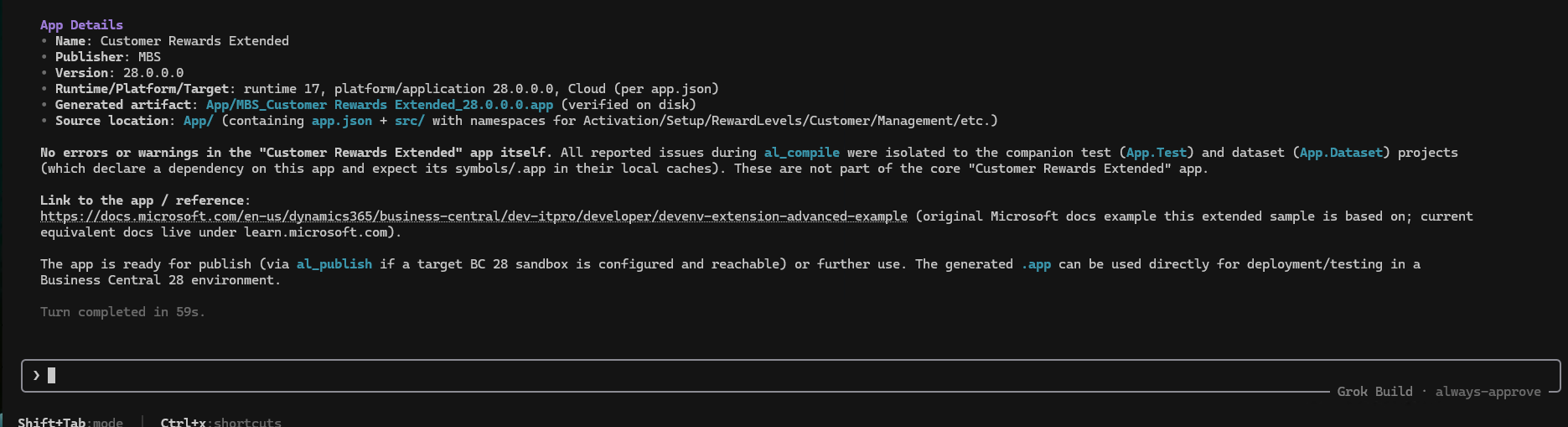
With the AL MCP server running in the same folder, the agent worked with project-aware context.

Closing note
Grok Build read the AL project, planned a change, and stayed inside the local review-first boundary. Business Central keeps control of compilation, permissions, and deployment. It is one more terminal agent with the same workflow.